Each Calibre user can choose to receive email notifications for Sites and Teams. To manage your notification preferences, go to Profile → Email Notifications in the main navigation. This article outlines all types of available email notifications.
Email notification types#
| Notification type | Subscription type |
|---|---|
| Team Insights Report | Opt-out for all user roles |
| Insights Report | Opt-in for all user roles |
| Budget Alerts | Opt-in for all user roles |
| Snapshot Failure Alerts | Opt-out for Administrators, opt-in for all other roles |
| Integration Failure Alerts | Opt-out for Administrators, opt-in for all other roles |
| Site Addition Notifications | Opt-out for all user roles |
| Team Membership Notifications | Mandatory |
Additionally, Calibre sends a range of administrative, mandatory emails and reminders considering trial expiration, subscription pause expiration, people management, organisation deletion, billing and test allocation.
Team Insights Report#
Each month, Calibre sends Team Insights report, a retrospective summary of all Sites in a Team. Delivered to all Team members, the report summarises data collected over the past two months, so everyone can get a birds eye view of how sites are tracking.
Sites are evaluated for any signicant changes in metrics, including Google’s Core Web Vitals assessment. Each Site is rated as "Regressed", "Improved", or "Stable" based on the observed changes in the past month.
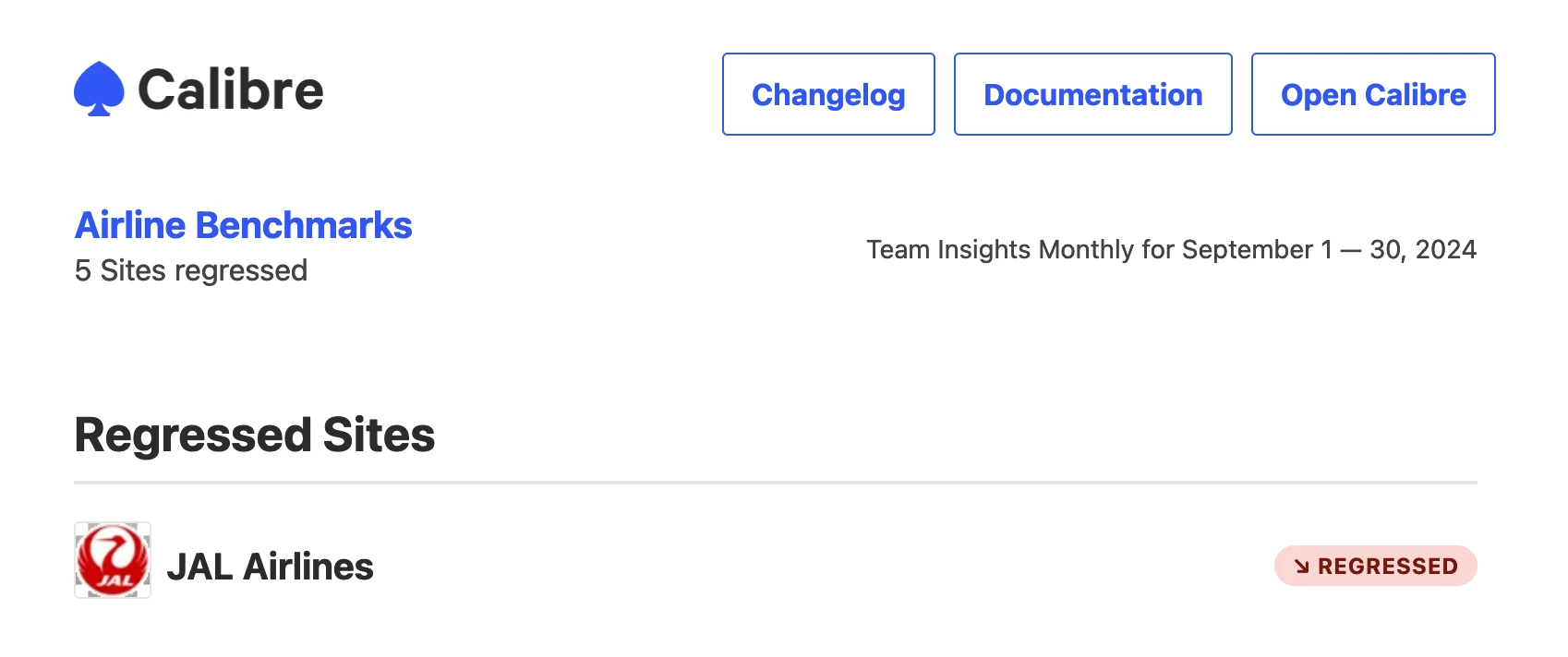
We recommend creating teams for logical group of websites you manage. If you’re an working in agency, you might choose to create a team for each client. Or use teams to have competitor sites organised together.
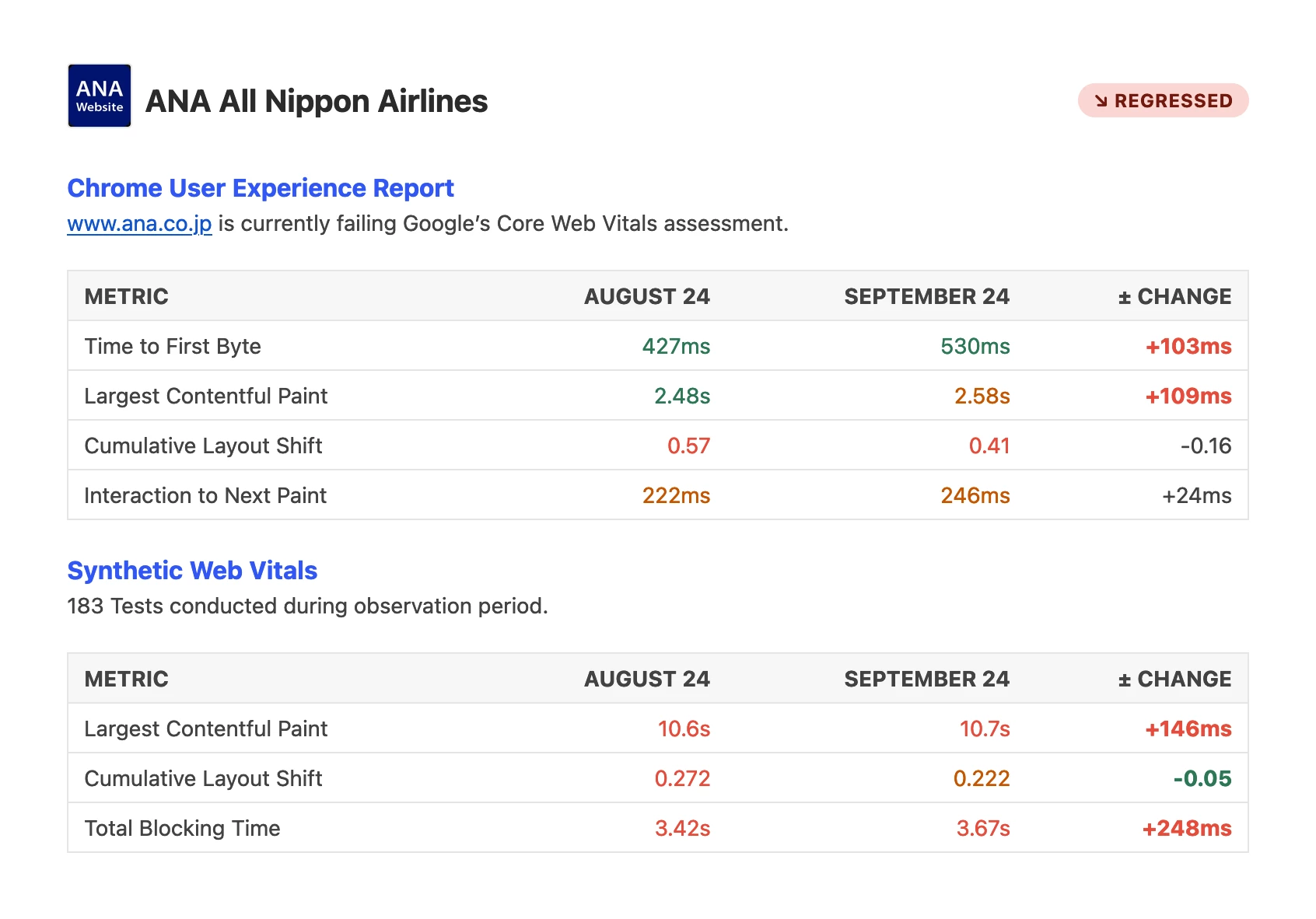
The report includes an overview for each Site, including:
- Overall rating (Regressed, Improved, Stable)
- Core Web Vitals assessment
- Significant changes to metrics
- Data from Chrome User Experience Report (CrUX) (if available)
- Synthetic monitoring Web Vitals metrics
Insights Report#
Calibre automatically generates a report called Insights for each site you track. Insights is delivered to your email weekly (on Mondays), or monthly (first day of the month), or both. Insights is a digest of notable metric changes to each of your Sites, including reporting on Web Vitals.
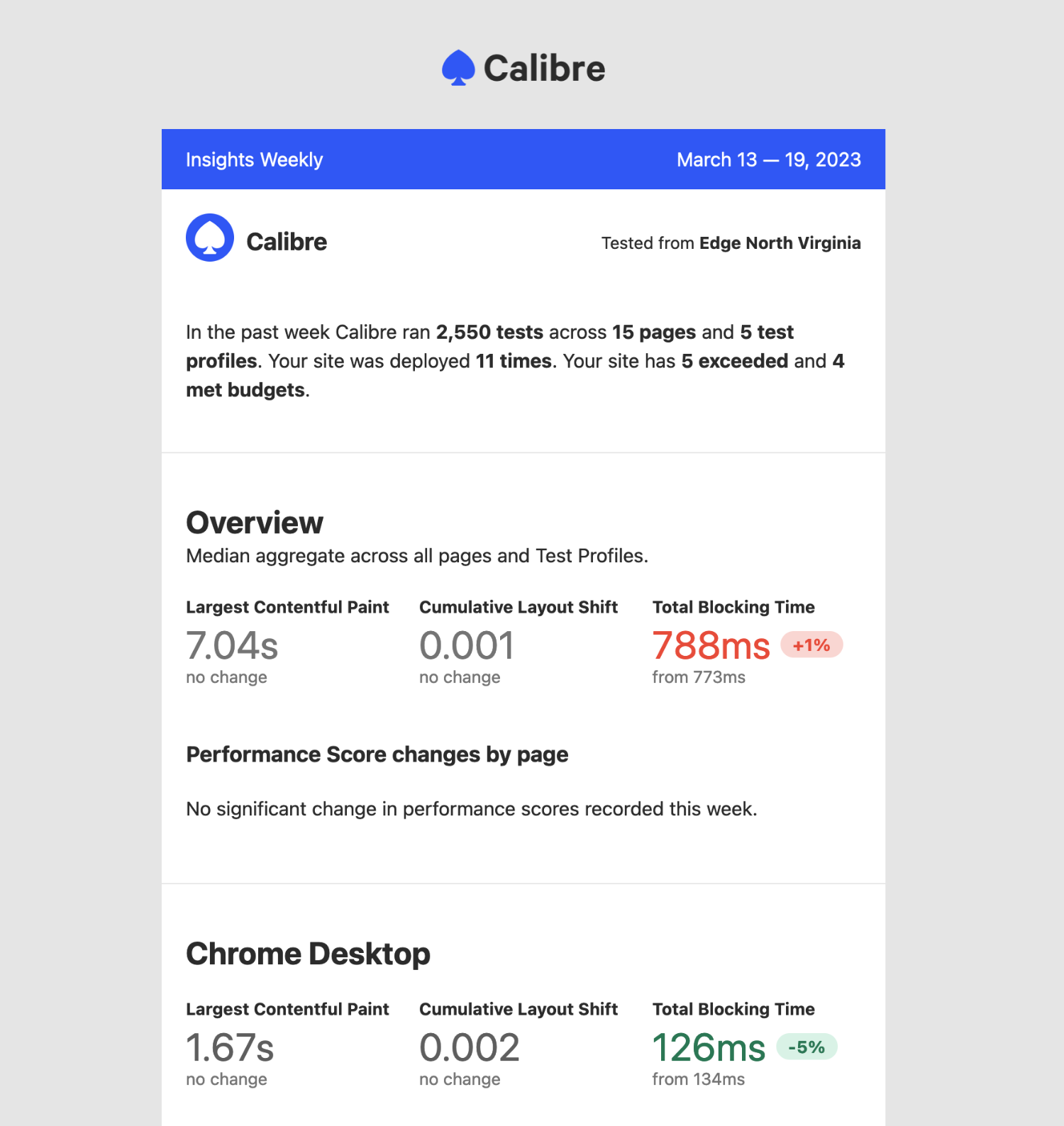
Insights is available on all account tiers at no additional cost. To enable the report, sign in to your account and navigate to Email Notifications (found under your avatar in the main navigation). Each member of your team will have to turn the report on separately to start receiving it. The first email will arrive on the following Monday or at the start of the next month.
Budget Alerts#
Calibre will notify you when a performance budget is exceeded, met, or at risk of being exceeded. Anyone with access to a given Site can subscribe to Budget notifications for that Site.
You will receive a notification each time there is a sustained change (over at least 2 Snapshots) to the overall Budget status. This is useful if you would like to ensure changes in metrics are persisting in the long term instead of observing natural monitoring fluctuations.
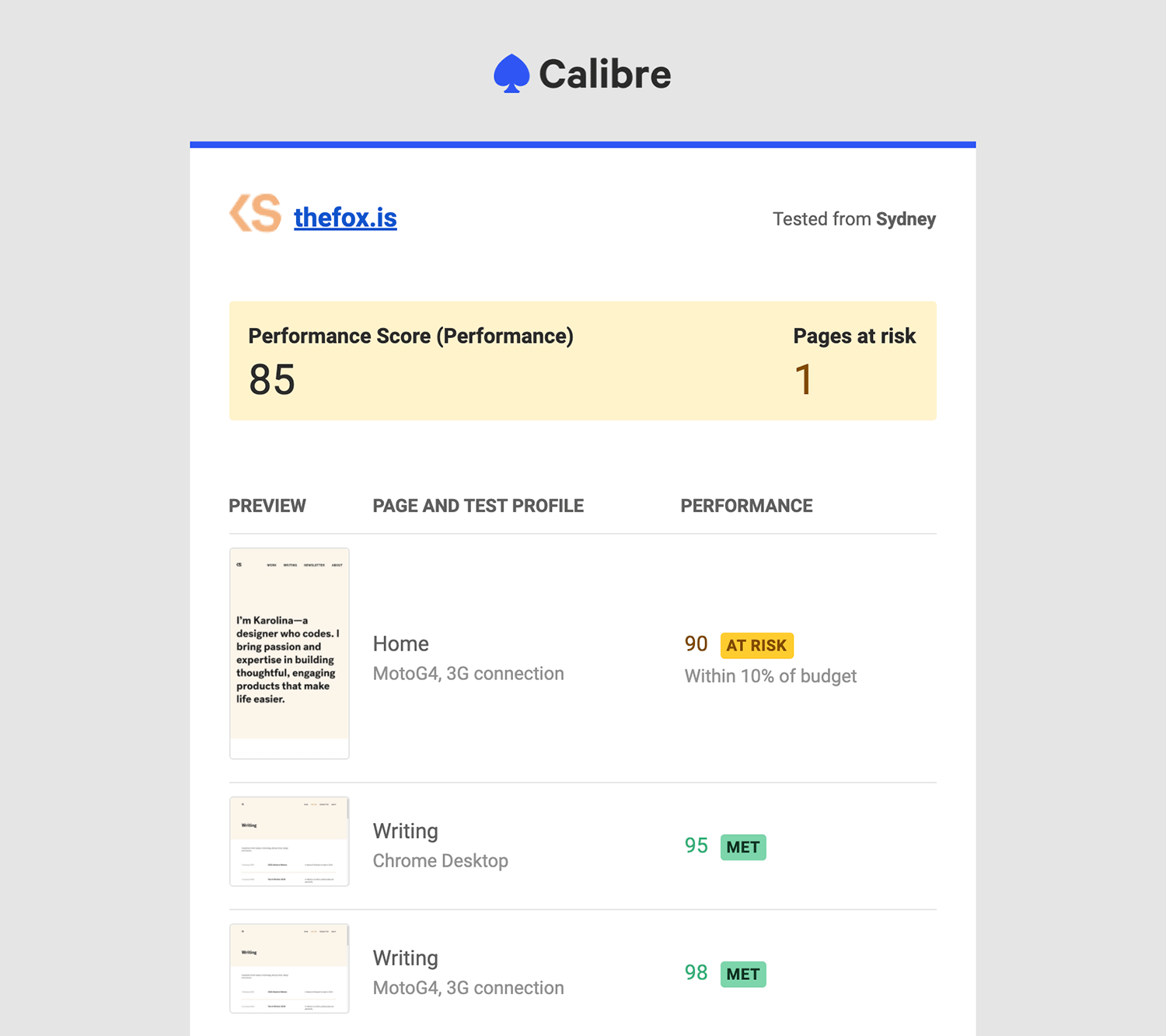
There are three types of Budget alert email notifications:
- Budget is met: when the measurements are above the set budget value for Lighthouse Scores and below for all other metrics.
- Budget is at risk: when the difference between the current measurement and the set budget is less than 10%.
- Budget is exceeded: when the measurements are below the set budget value for Lighthouse Scores and above for all other metrics.
Each email showcases the following information:
- Site tested
- Test location
- Budgeted value
- Number of Pages affected
- List of Pages with their metric scoring and Test Profiles they were tested with
Snapshot Failure Alerts#
Calibre sends notifications for failed Snapshots, so you can quickly identify and resolve issues before your monitoring data reliability is affected. If any test within a given Snapshot fails to complete, you will receive an email outlining affected Pages and Test Profiles combination, as well as the reason for erroneous runs.
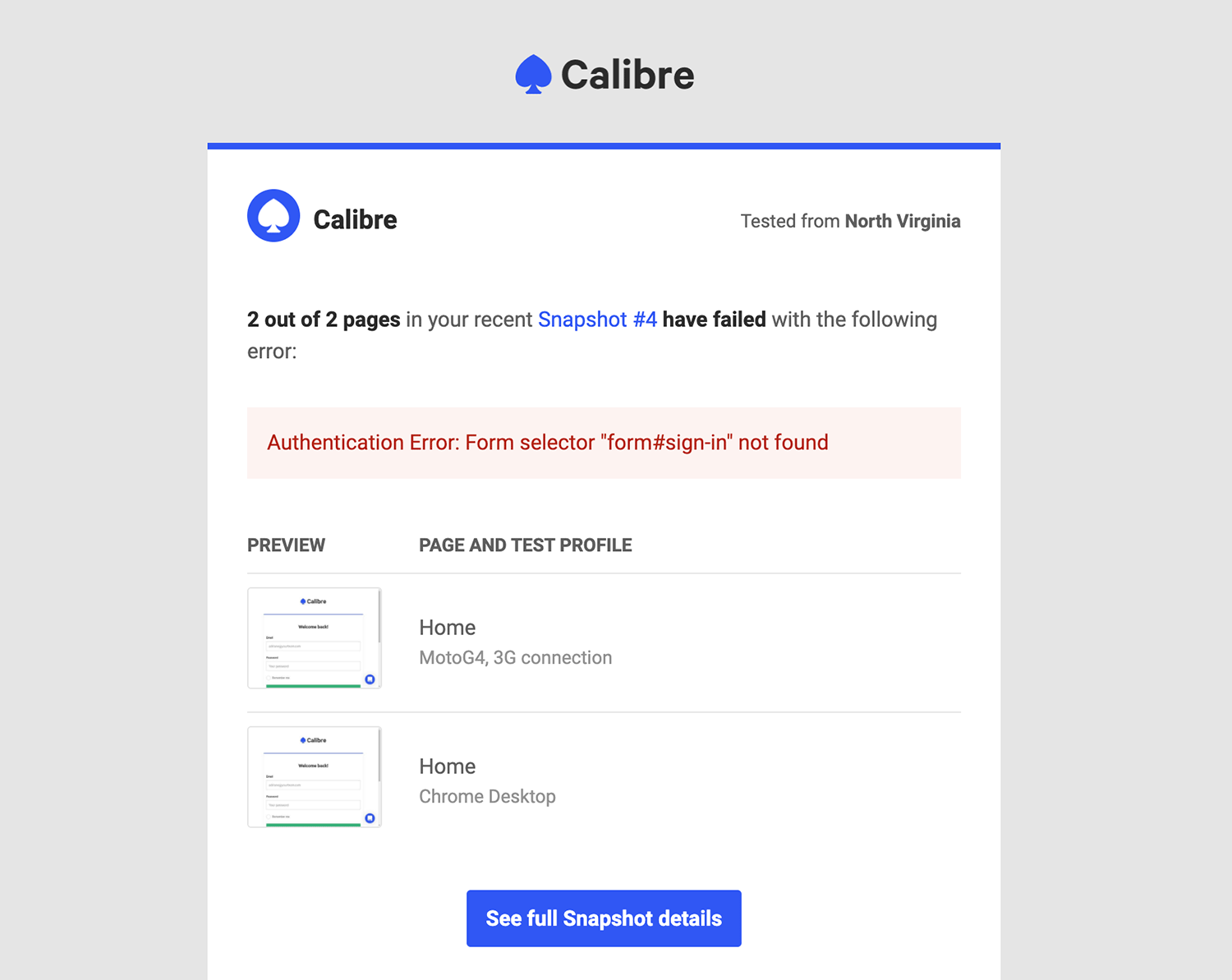
You will receive a maximum of three consecutive emails about the same test failure. After three alerts, Calibre will stop notifying you, even if the error persists. Once the issue is resolved, you will receive a confirmation email stating that Snapshots are now completing successfully.
All admins will receive Snapshot failure alerts, and all users can opt into receiving them in Profile → Email Notifications.
Integration Failure Alerts#
Calibre sends notifications for integration errors so that you can resolve connection issues quickly.
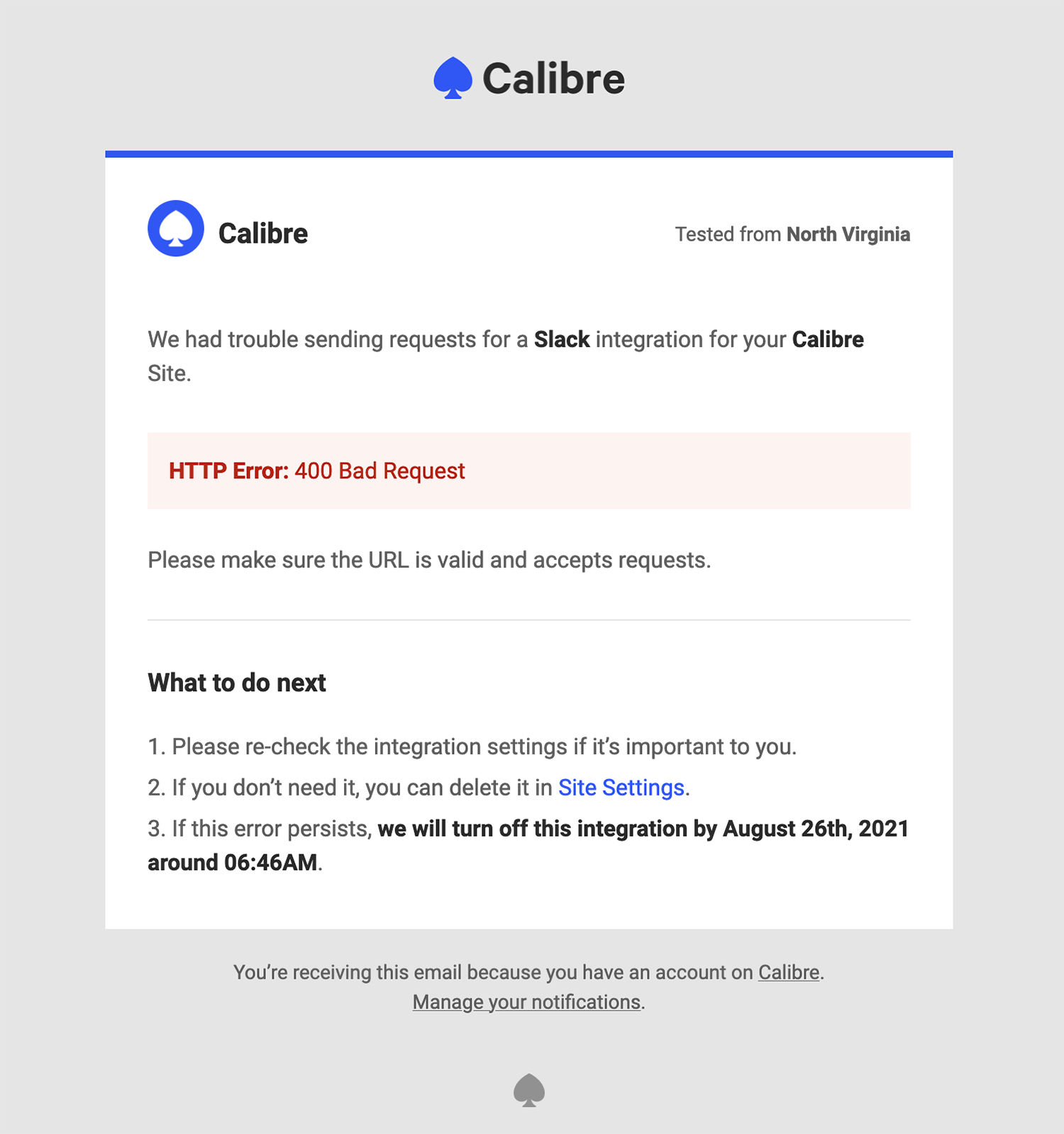
Everyone subscribed to Snapshot Failure Alerts will receive emails about failing integrations too. Calibre will email you once and turn off an integration (if errors persist) on the date specified in the notification email.
Site Addition Notifications#
When you add a new Site to be monitored, Calibre sends an email with initial performance results, so you know how well it stacks against our measurement dataset. The email showcases four key performance metrics: Time to First Byte, Largest Contentful Paint, Cumulative Layout Shift and Total Blocking Time (the latter three being Web Vitals).
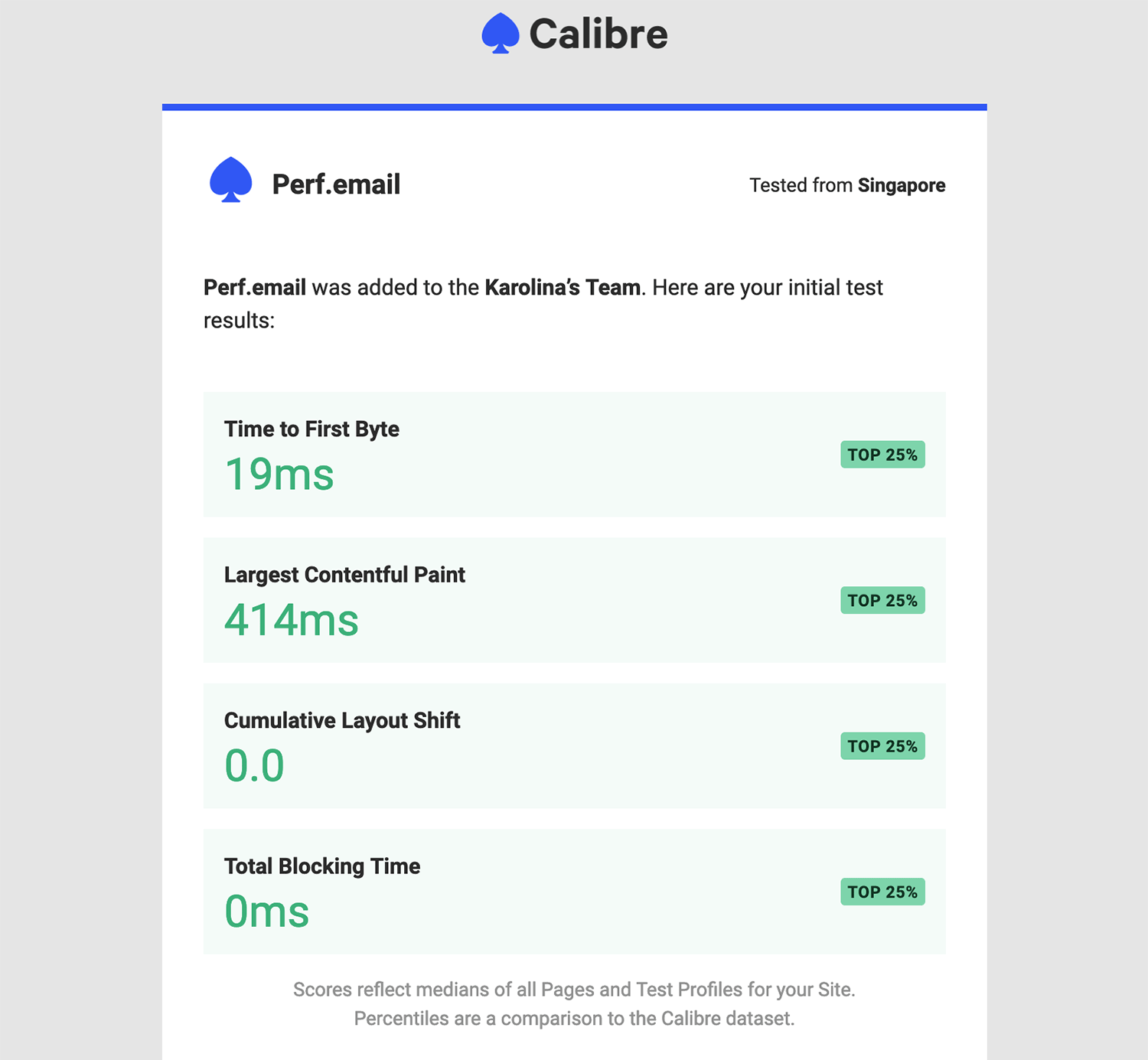
By default, everyone will receive the Site addition notifications for their Team(s), unless they opt out in Profile → Email Notifications.
Team Membership Notifications#
Calibre will notify you when you are added to a new Team by the administrator.
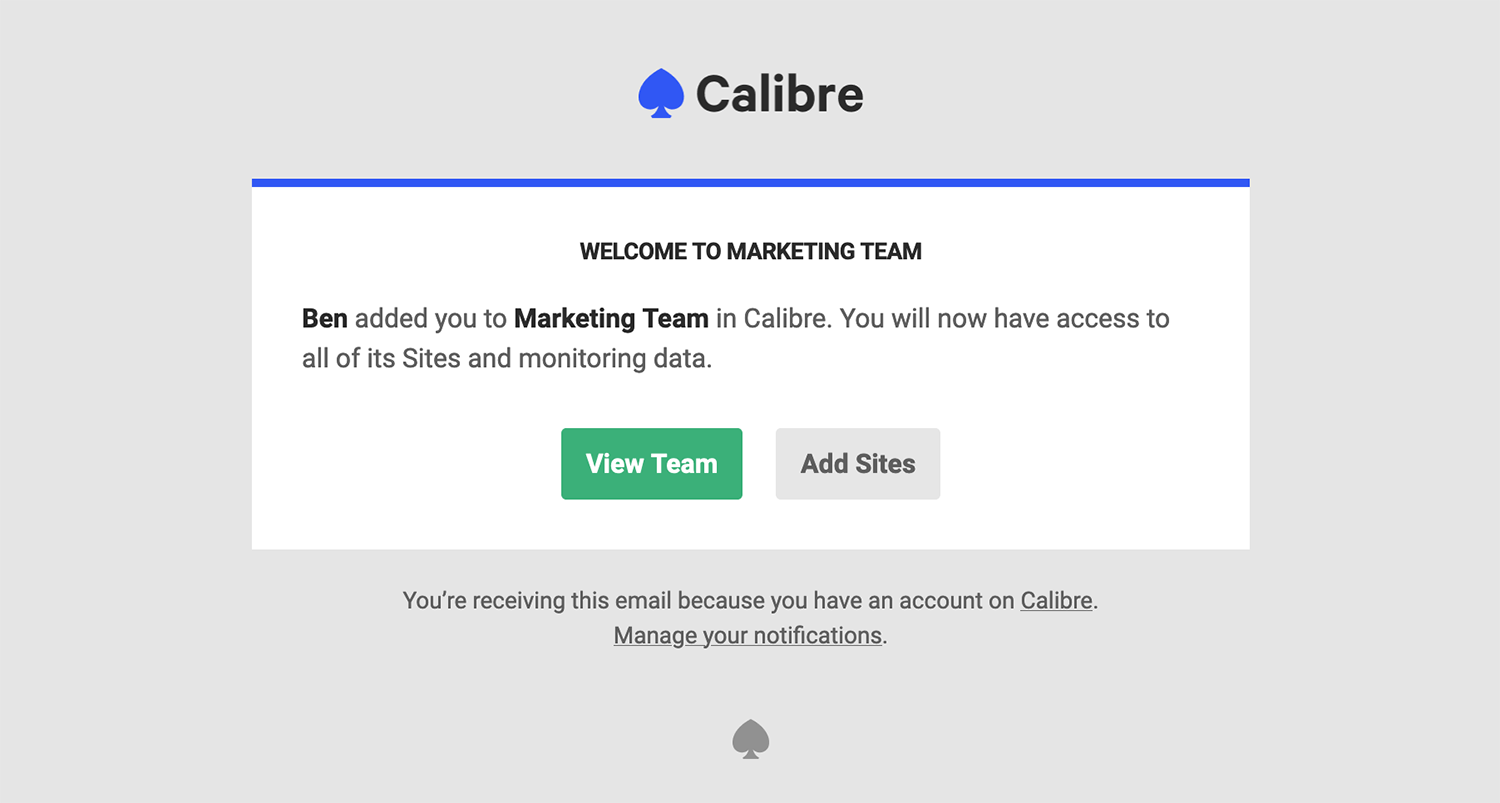
Everyone will receive the Team membership notifications. At any point, you can see the Teams you belong to in the top navigation, by clicking the down arrow icon next to the currently selected Team name.
Common questions#
Why am I not receiving emails?#
Most commonly, when you don’t receive an email you’re expecting, it’s due to various email protection systems. We recommend checking your spam folder and ensuring Calibre’s emails aren't filtered out by provider or company-wide protection systems. Our email delivery provider ensures stellar deliverability and we maintain a 0% spam rate.
Can I forward an email from Calibre to a client?#
Yes. While Calibre doesn't have a built-in way to send emails to someone who doesn't have a Calibre account, you can always forward messages directly from your email inbox. You can also use the Slack or Zapier to send selected alerts to other channels.